Before approaching another chain, you review its stores. Before a promotion, you agree on products, prices and displays. After launch, you compare shelf presence. The portal connects these stages in your team’s daily work.
01DISTRIBUTION MAP
Choose where to place your product next.
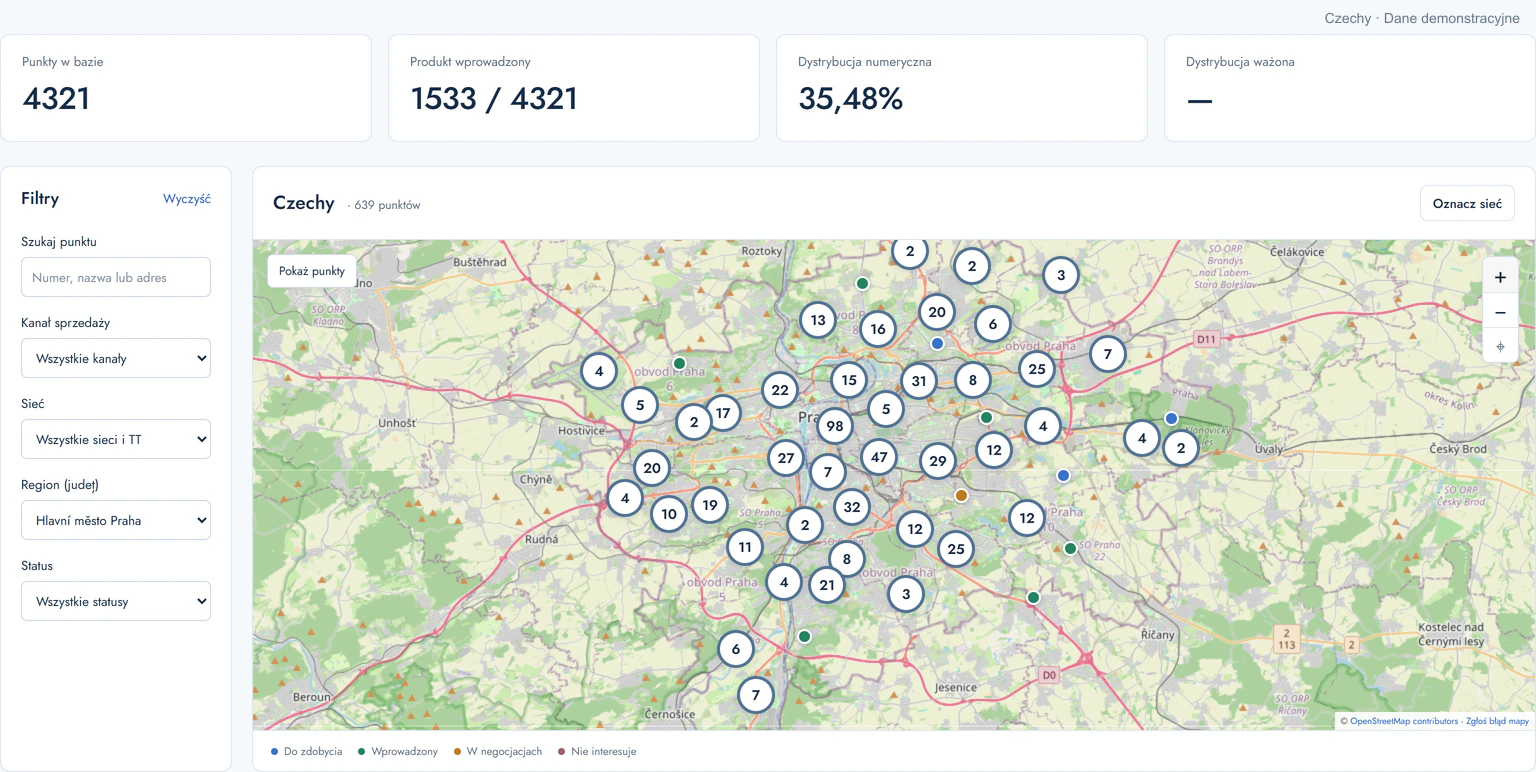
Browse outlets by region, channel and retail chain. Mark where your product is listed, where negotiations are underway and which stores you want to reach.
Apply a decision to a whole chain or to selected stores and formats.
Set clear targets for your team and distributor.
02ANALYTICS
See whether distribution is growing.
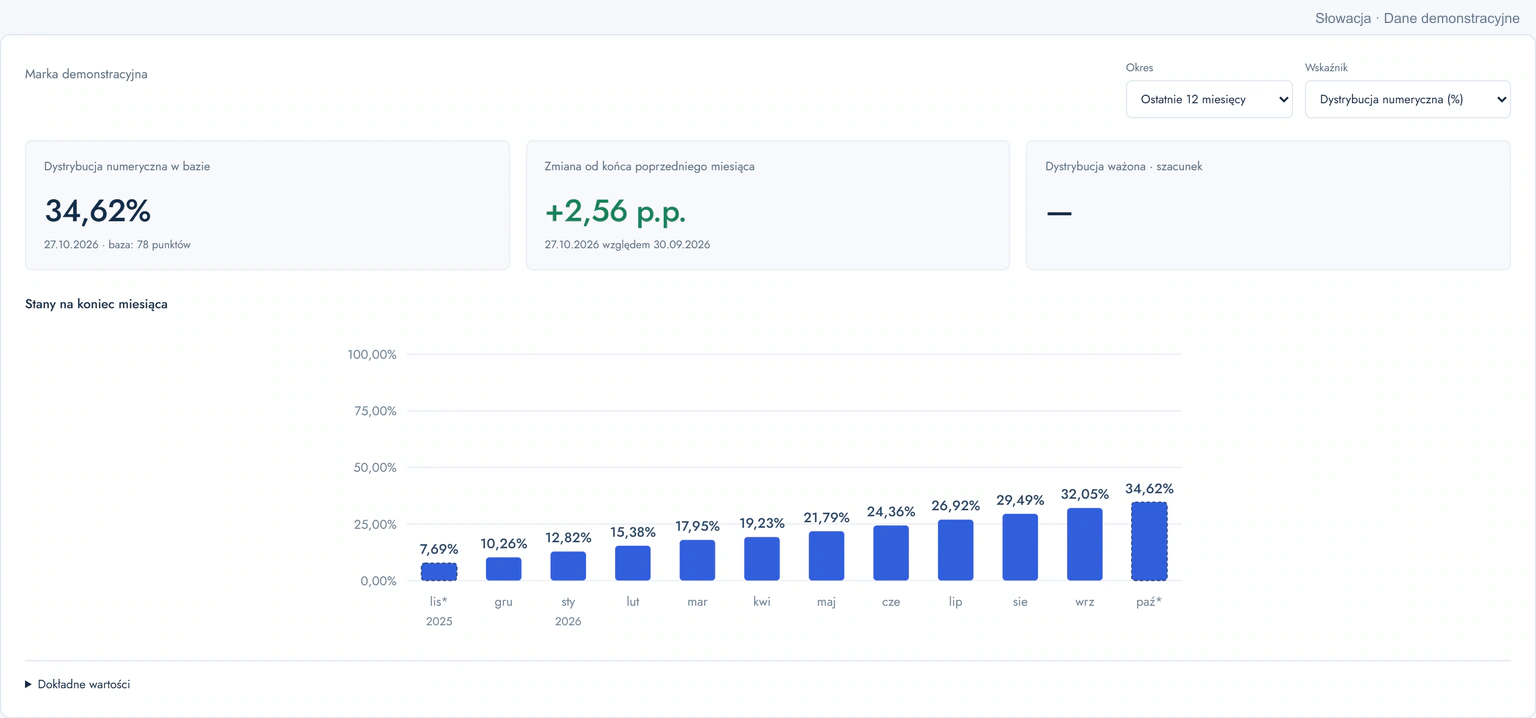
Compare consecutive months, the last 12 months and a calendar year with the previous year. Charts show changes in distribution in your selected country.
Numeric distribution and weighted distribution where weights are available for the selected scope.
Assess progress using a consistent set of measures.
03STORE CHECKS
See your product on the shelf.
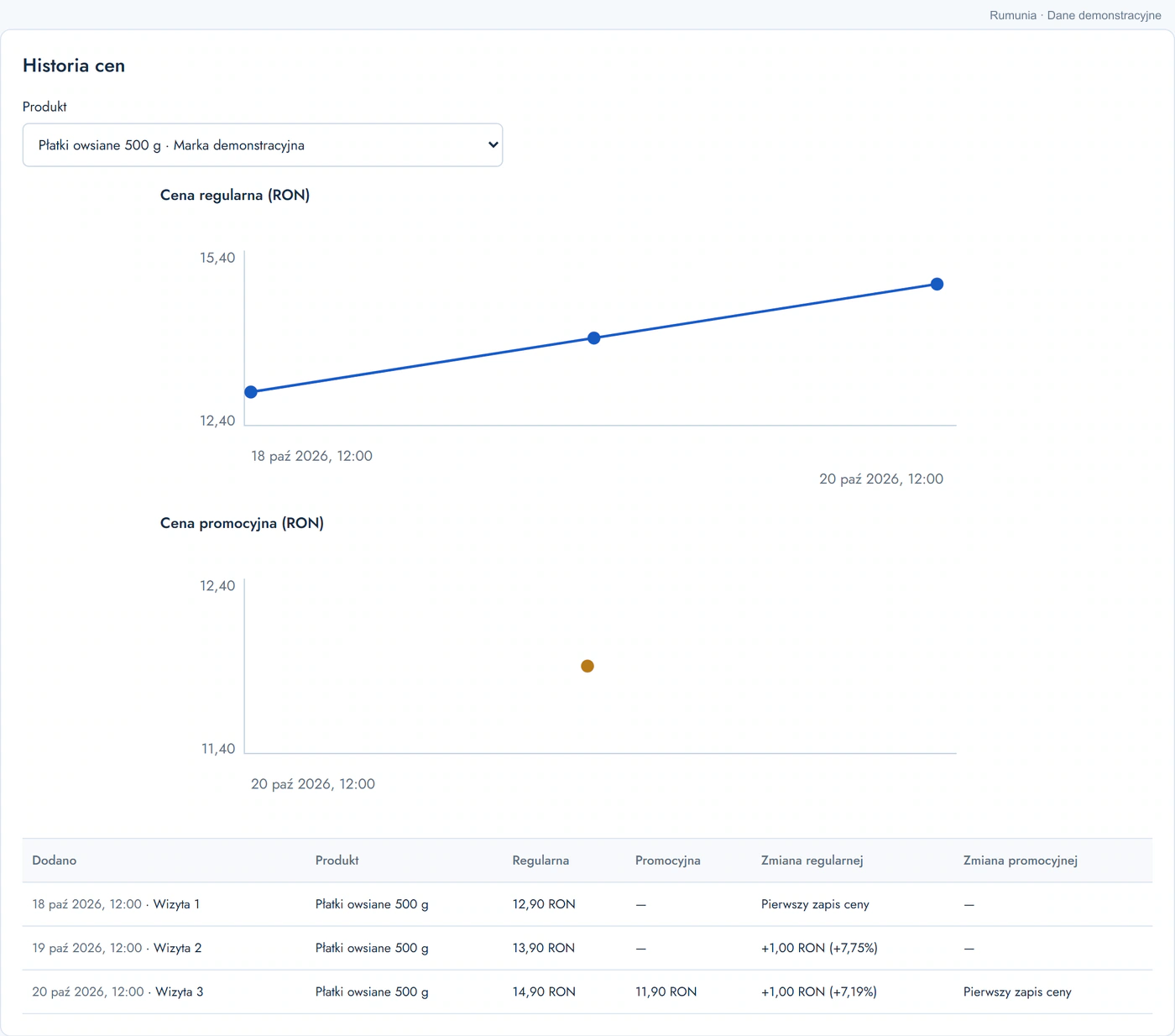
Your team records photos, comments and the products present in a store. Each product can have a regular price and an optional promotional price.
Each visit retains its date, photos and price history.
Discuss a specific store and the action needed with your distributor.
DISTRIBUTION MAP01 / 03ANALYTICS02 / 03STORE CHECKS03 / 03
PLANOGRAMS AND POS DISPLAYS
Prepare a display for your buyer discussion.
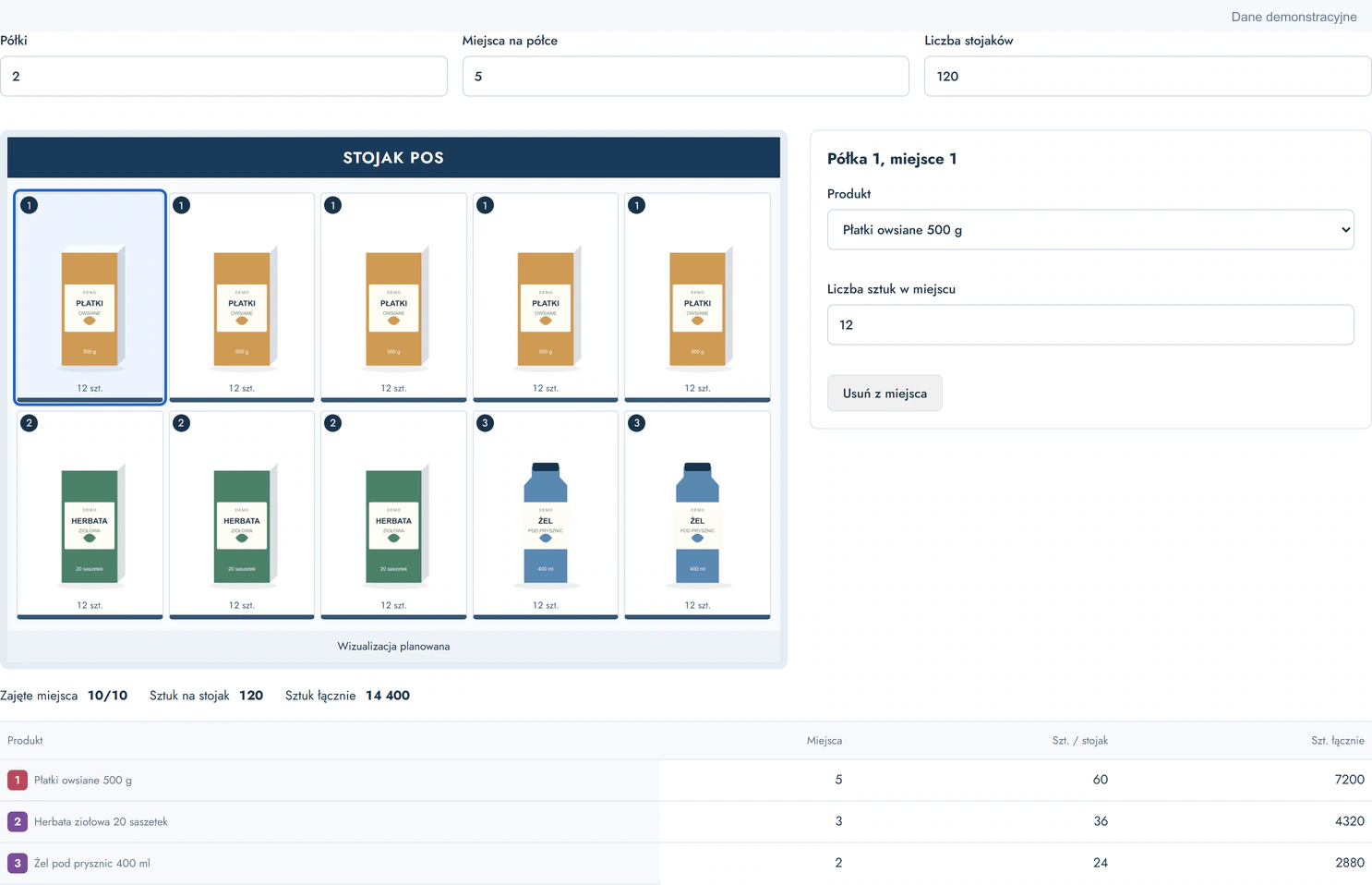
Set the number of shelves and facings. Assign portfolio products and units to each position. Preview the layout and check how much stock you need.
01
Place the products
Build a layout using products from your own portfolio.
02
Calculate quantities
The summary accounts for each position and the number of displays.
03
Share a clear PDF
One page with the layout, quantities and your company logo.
RETAIL CHAIN MANAGEMENT
Keep buyer agreements in context.
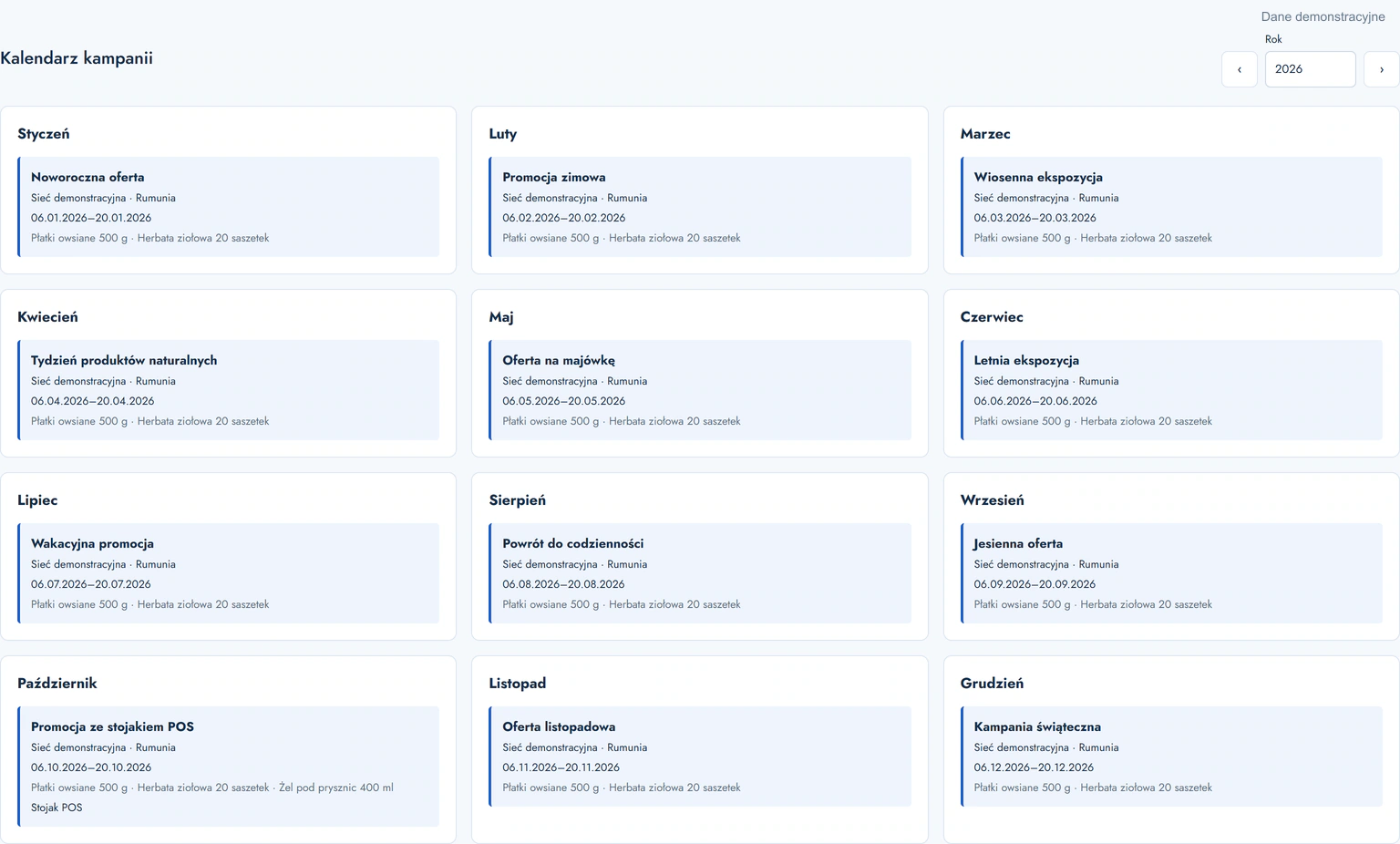
Link contacts, notes and campaigns to a specific chain. The calendar shows the promotion plan; each campaign holds its products, quantities, agreed prices and POS display.
Chains and buyers
Enter and update contact details and notes for each chain yourself. The portal records the change history.
Campaign calendar
Your team’s and distributor’s promotions in an annual view.
Price lists and files
Working folders and successive price-list versions with dates and authors.
EXPANTA / TEAM
Give each person the right scope.
You control access to countries and accounts. Field information reaches the people responsible for that market.
01
Company administrator
Manages the team, company details and country access.
02
Sales Manager
Works with assigned countries, chains, campaigns and reports.
03
Sales representative and distributor
Submit store checks, photos, products and prices. A distributor can also plan their own promotions.
See the portal in the context of your work.
We will show the map, campaign planning and display builder, then discuss your brands, markets and team workflow.
We help you select markets, prepare your offer and reach international buyers. We carry out agreed activities using Expanta’s resources or alongside your team.
With your consent, we use Google Analytics to measure visits and improve our website. Google receives website usage and device data, and cookie identifiers. Analytics stays off without consent. You can change your choice in “Cookie settings” in the footer.
Privacy policy